How to use ShiftAnchor
From an empty account to a payroll file
Ten steps, in the order you will actually do them. Most businesses get through steps one to four on their first afternoon and reach a signed timesheet at the end of their first week.
Step 1: Create your business
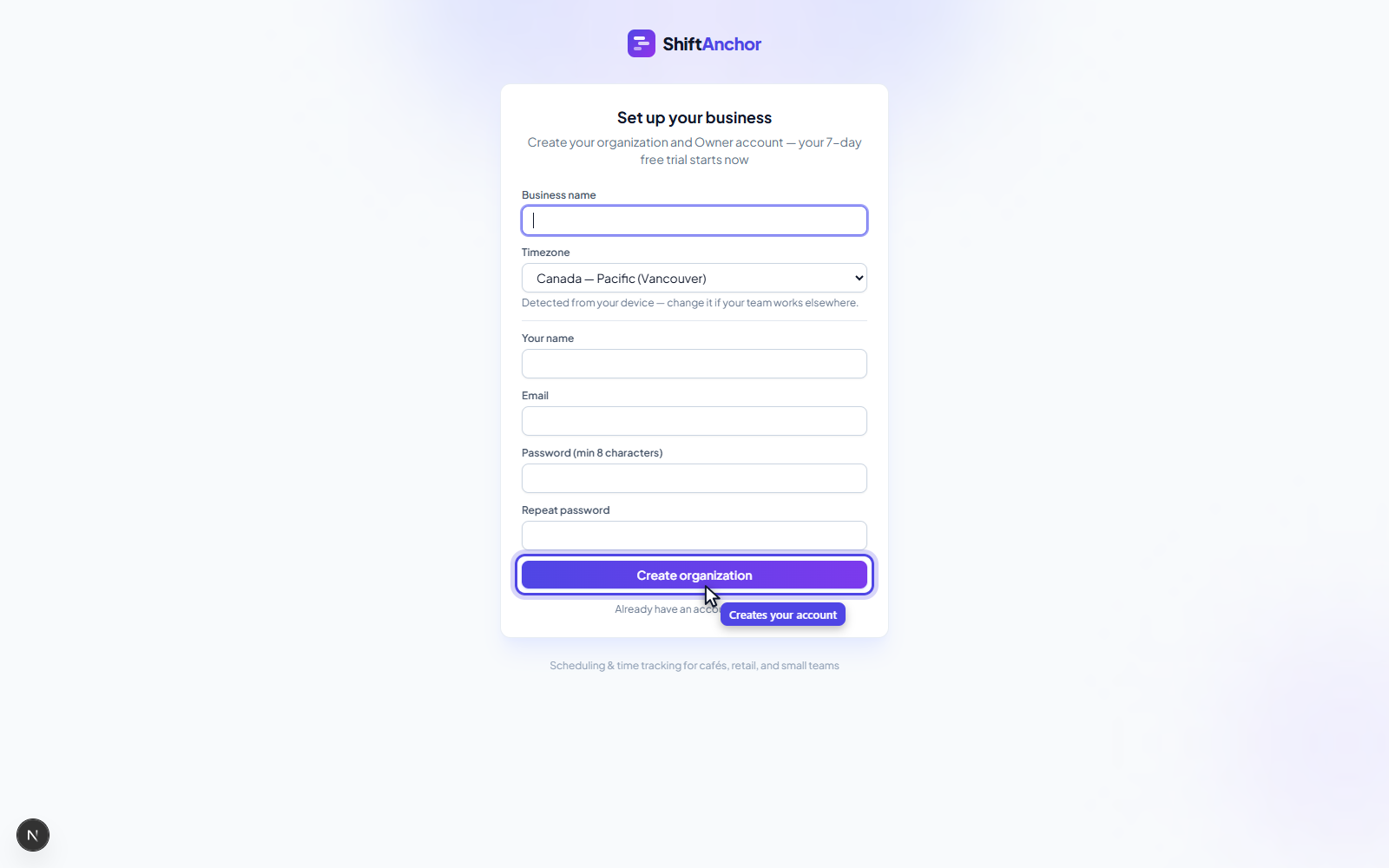
Sign up and give your business a name, a timezone, and the day your week starts on. The week start matters more than it sounds, because every timesheet, export and pay period is built around it.
Your 21-day trial begins straight away with every feature unlocked, and no card is required.
Step 2: Add your employees, or send one invite link
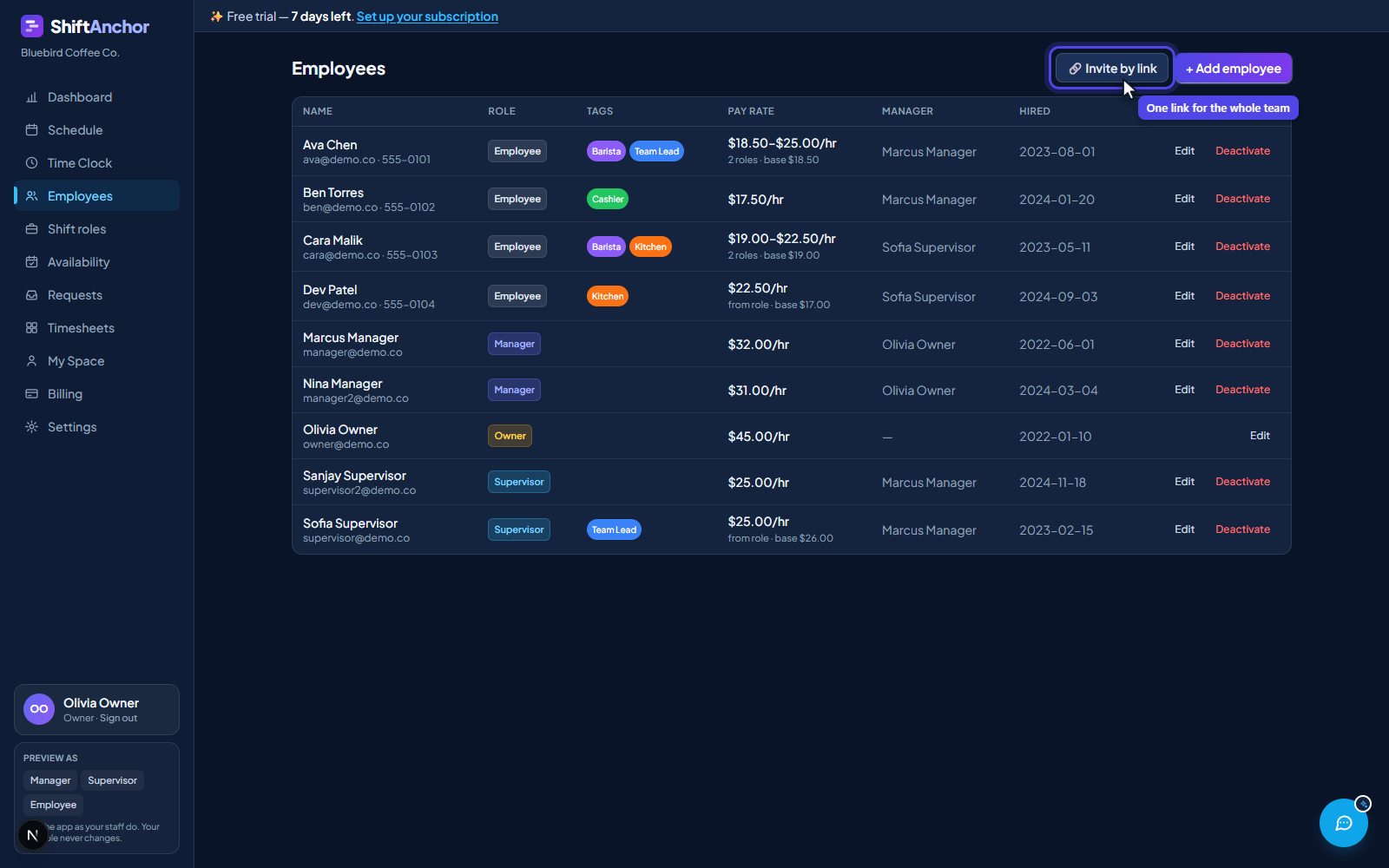
You can create staff accounts yourself from the Employees page, setting their name, role and hire date. For a bigger team it is faster to send an invite link and let people sign themselves up on their phones.
The invite dropdown controls what level people join at, so you can hand the same link to five new hires without editing each one afterwards.
Step 3: Set up shift roles and pay rates
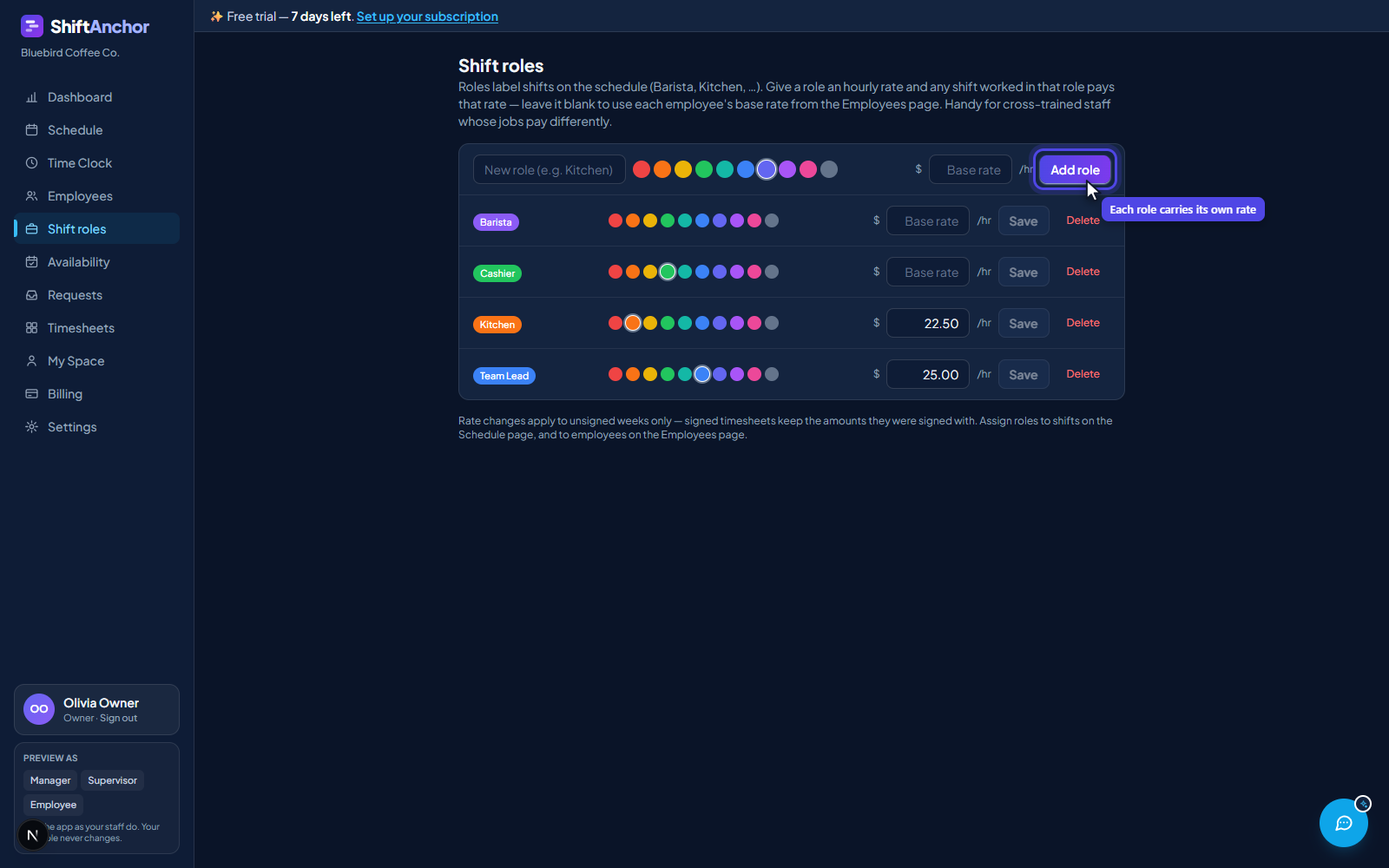
You can pay someone a flat hourly rate on their profile, or price the work instead. Shift roles let a barista shift pay one rate and a supervisor shift pay another, so cross-trained staff are paid for the job they actually did that day.
Assigning roles to a person also restricts scheduling: if someone has assigned roles, you can only roster them into those roles, which stops an untrained person landing on a shift they cannot work.
Step 4: Build the week's schedule
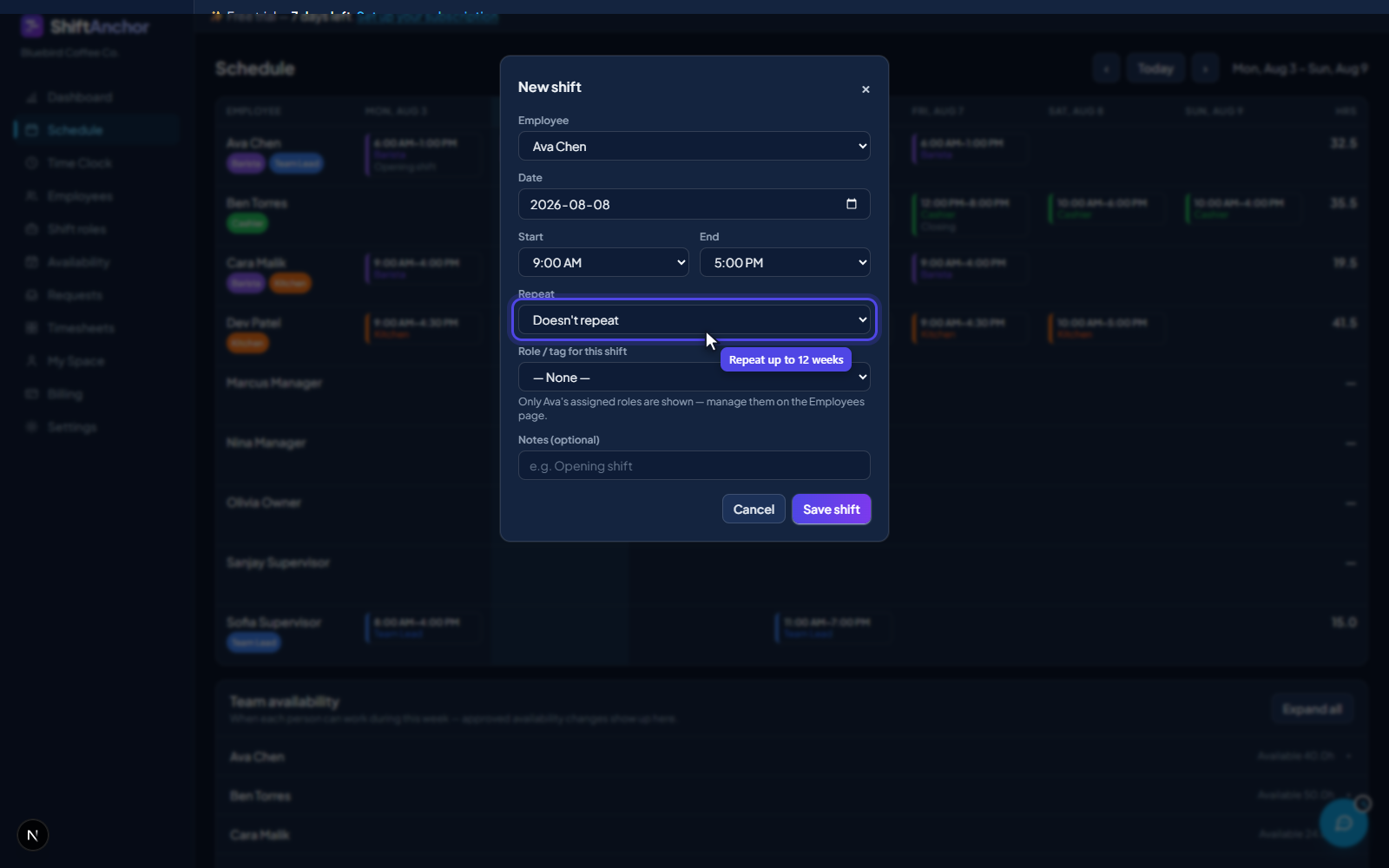
Pick the person, pick the role, set the times. The Repeat field creates the same shift for up to twelve weeks in one go, and it is all or nothing: if week seven collides with approved time off or an existing shift, it refuses the whole batch and names the date, so you never get a half-built schedule with a hole in it.
Expand the team availability panel to see who is free while you build. Green is available, red is blocked. Scheduling over someone's stated availability warns you but does not stop you, because managers overrule availability all the time.
Step 5: Staff clock in and out from their phone
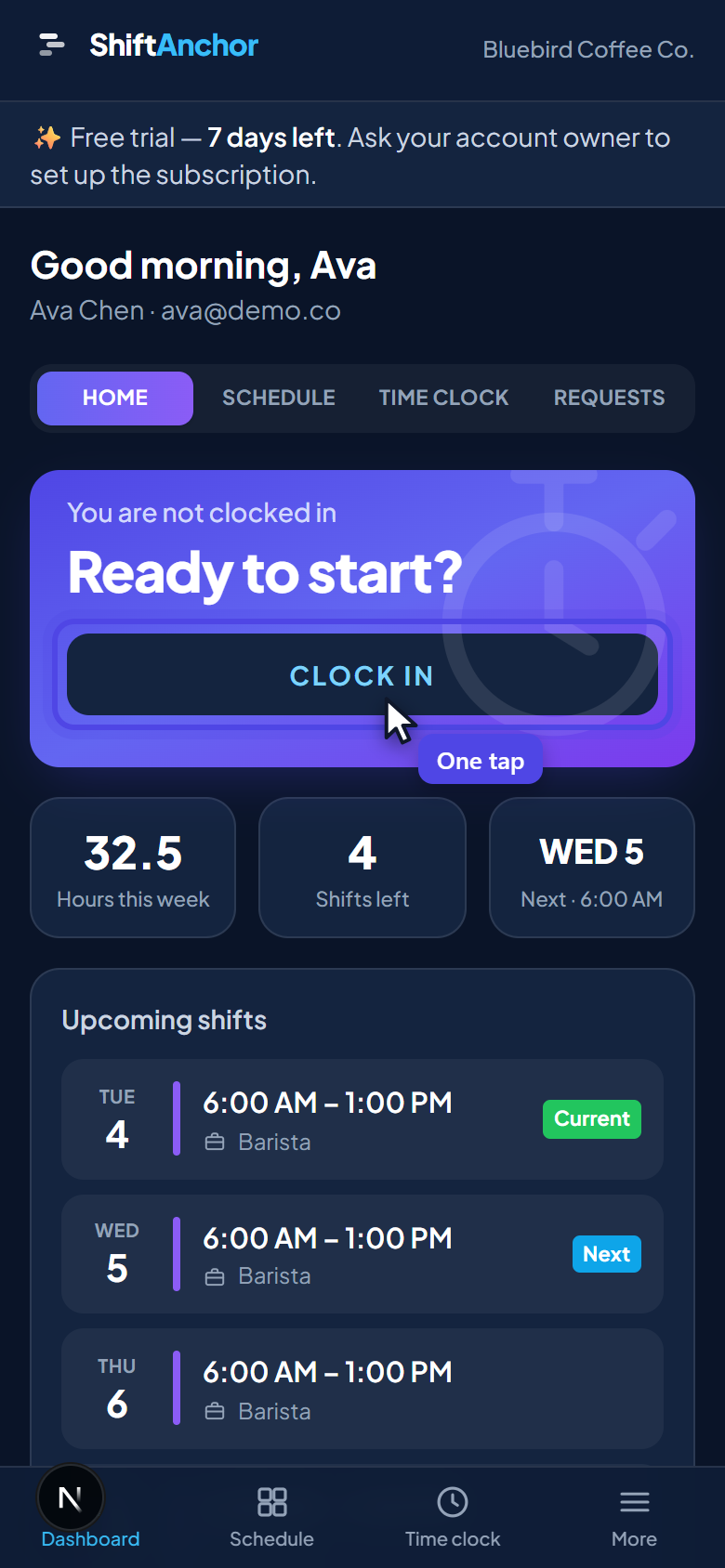
Employees open the site on their phone, see this week's shifts, and clock in with one button and a live running timer. Nothing to install.
Pay follows the scheduled hours, so punches are attendance rather than a second source of truth. Missed punches and late arrivals surface as alerts on your dashboard.
Step 6: Approve requests from one inbox
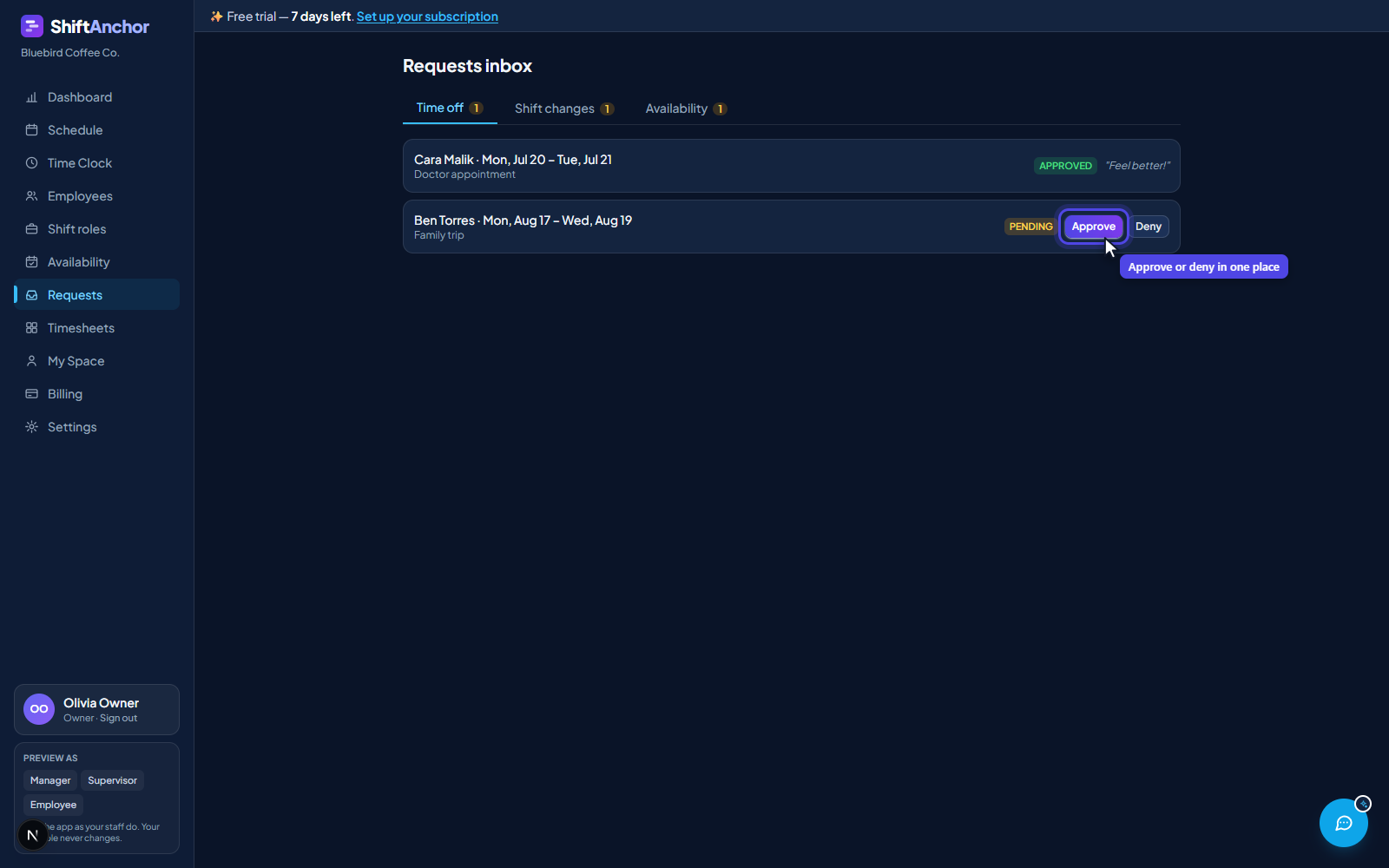
Time off, shift swaps and availability changes all land in the same approvals inbox instead of the group chat. Approve or deny, and both the schedule and the employee's own view update.
Availability changes merge rather than replace. If somebody asked for Mondays off a fortnight ago and asks for Saturdays off today, approving the second request keeps the first.
Step 7: Generate the timesheet from the schedule
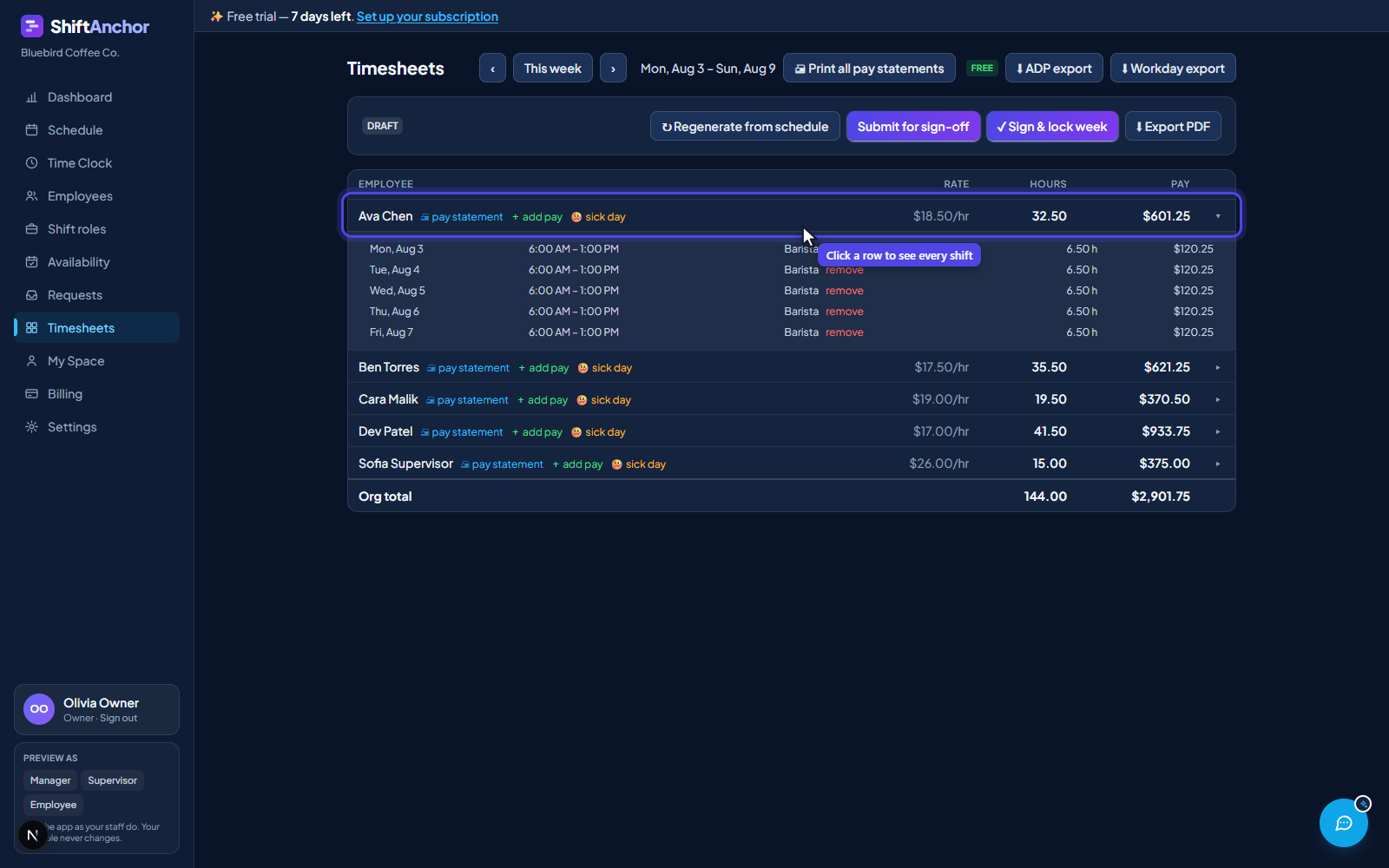
On the Timesheets page, click Generate from schedule and the week becomes a timesheet: every employee, their hours, and their pay. Breaks are already deducted, so a shift over five hours shows net of its 30 minutes.
Expand anyone's row to see exactly how the total was reached, shift by shift and rate by rate. When someone queries their pay you are reading it off the screen, not reconstructing it.
Step 8: Add bonuses, corrections and sick days
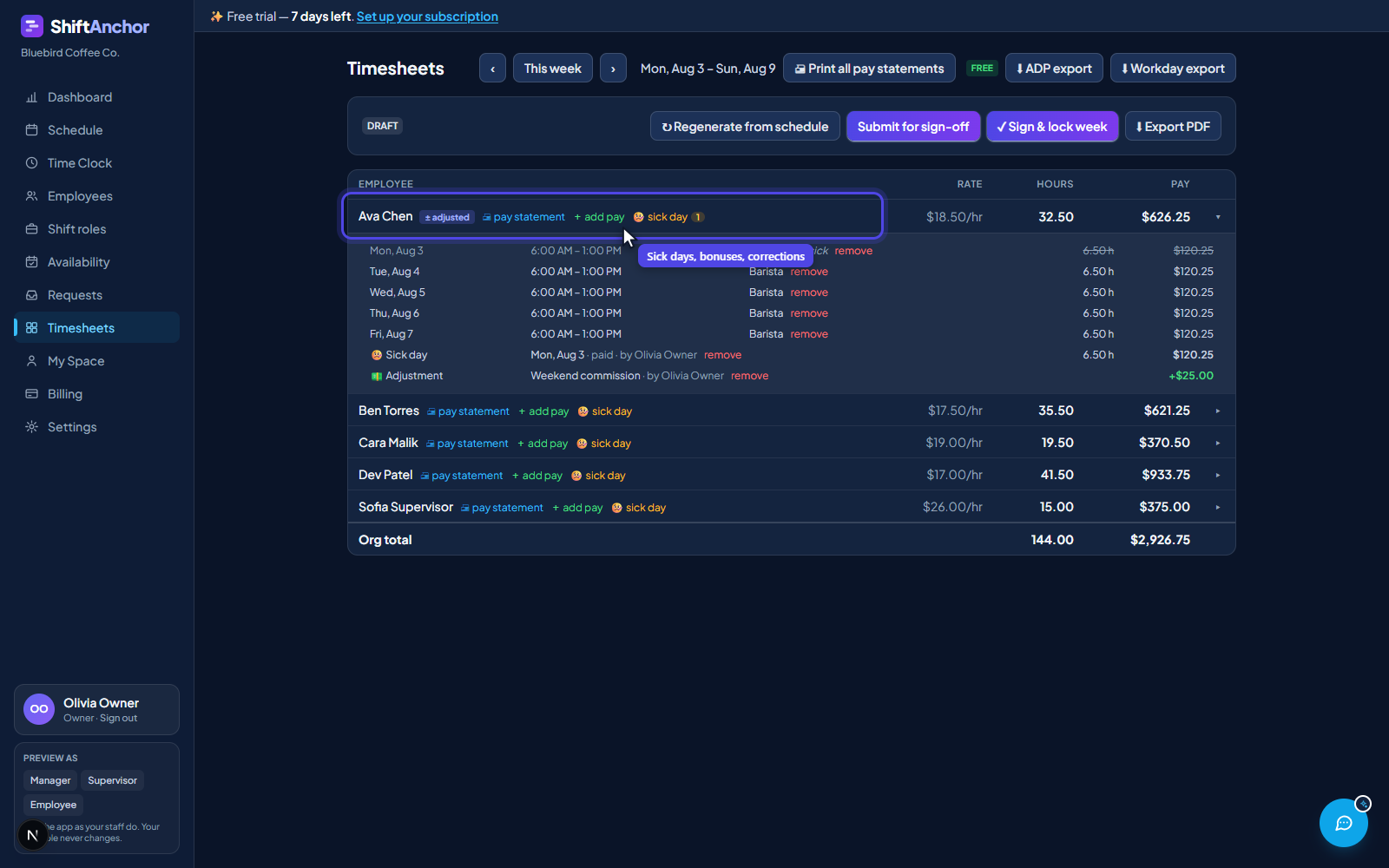
Add pay records commission, a bonus or a correction against an employee, with a required reason and the name of whoever added it, so no money is unexplained.
Sick day logs an absence, paid or unpaid, and keeps a running count per person for the year. A paid sick day is credited instead of the shift it covers rather than on top of it, so remove the rostered shift and the day is paid once.
Step 9: Sign off to lock the week
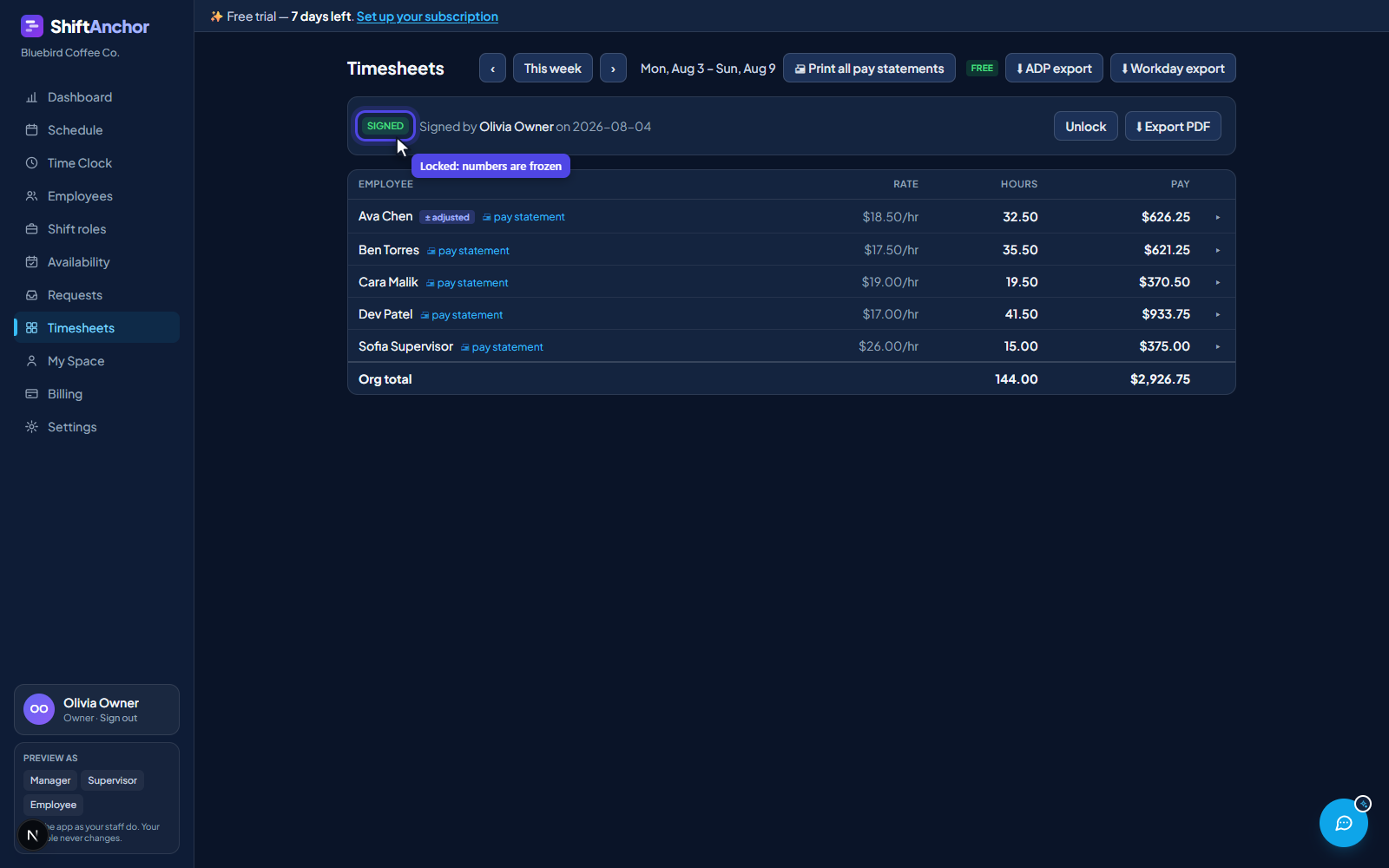
When the numbers are right, sign the week. Signing freezes it at those exact figures, so a pay rise next month cannot quietly rewrite a week you have already paid.
A locked week refuses edits to shifts, adjustments and sick days. If you genuinely need to correct one, you unlock it, regenerate and sign again, which leaves a record that it changed on purpose.
Step 10: Export it to payroll
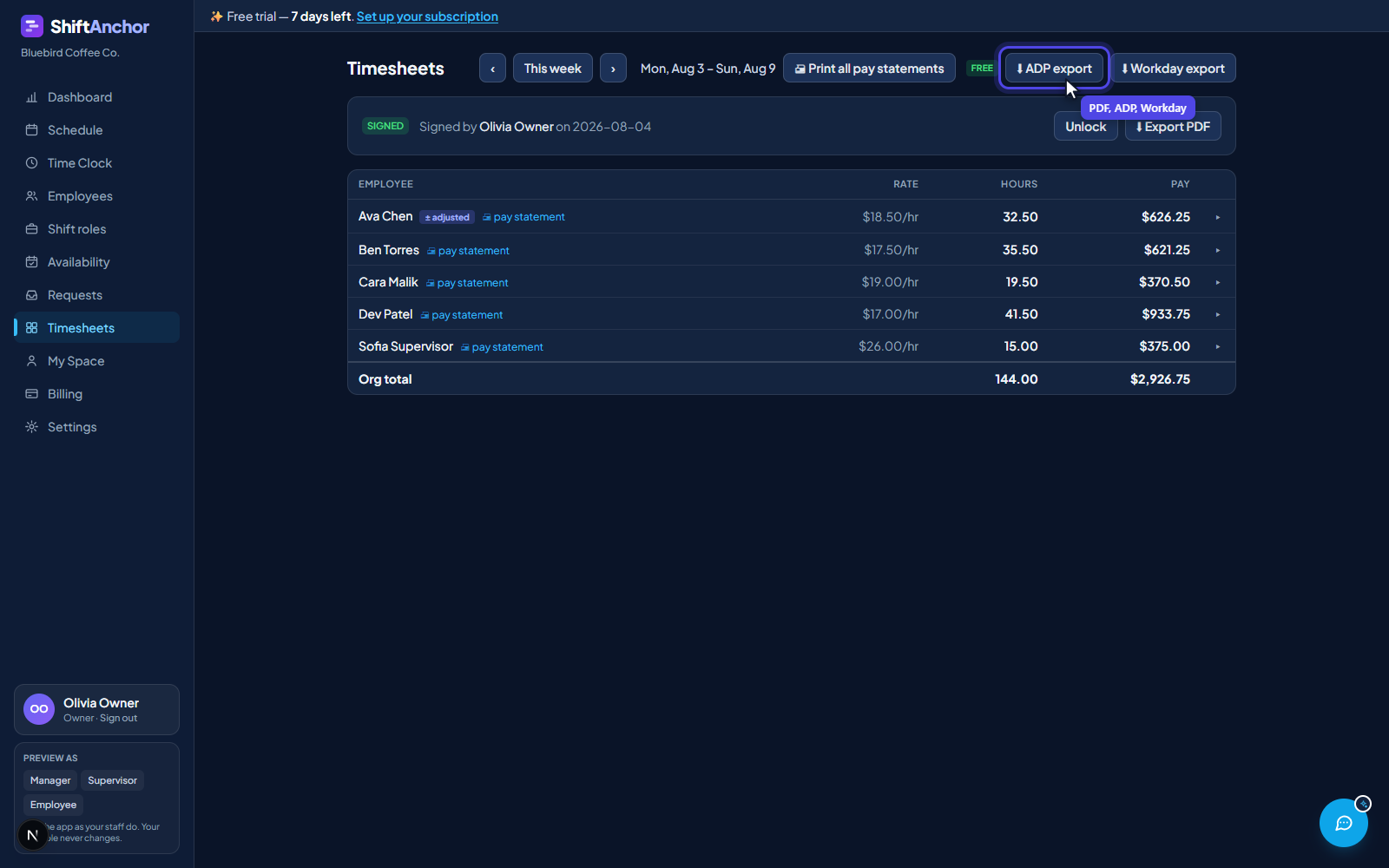
Download per-employee PDF pay statements with breaks already deducted, or a CSV shaped for ADP Workforce Now or Workday. There is a generic CSV for anything else, and a direct API sync if you have connected your payroll system.
The hourly rate in the export is derived from the gross being paid, so rate multiplied by hours reconciles to the cent and your payroll system will not reject or recalculate the row.
Then it repeats
After the first week, steps one to three are done for good. Your ongoing routine is step four to step ten: build the week, let staff clock in, approve what needs approving, sign off, export. For most teams that is a few minutes on Monday and a few more on Friday.
Try it on this week
Set your business up in two minutes and build a real schedule.